Basics
What Is a Social Media Counter Display?
A social media counter display shows your live follower count on a screen in your shop. Here is what it does, why it makes people follow you, and what to look for before you buy one.
Display Instagram, TikTok and Facebook follower counts alongside YouTube subscribers on your shop’s tablet or monitor. Give customers a reason to follow with QR codes and coupons, then keep in touch through your social posts after their visit.
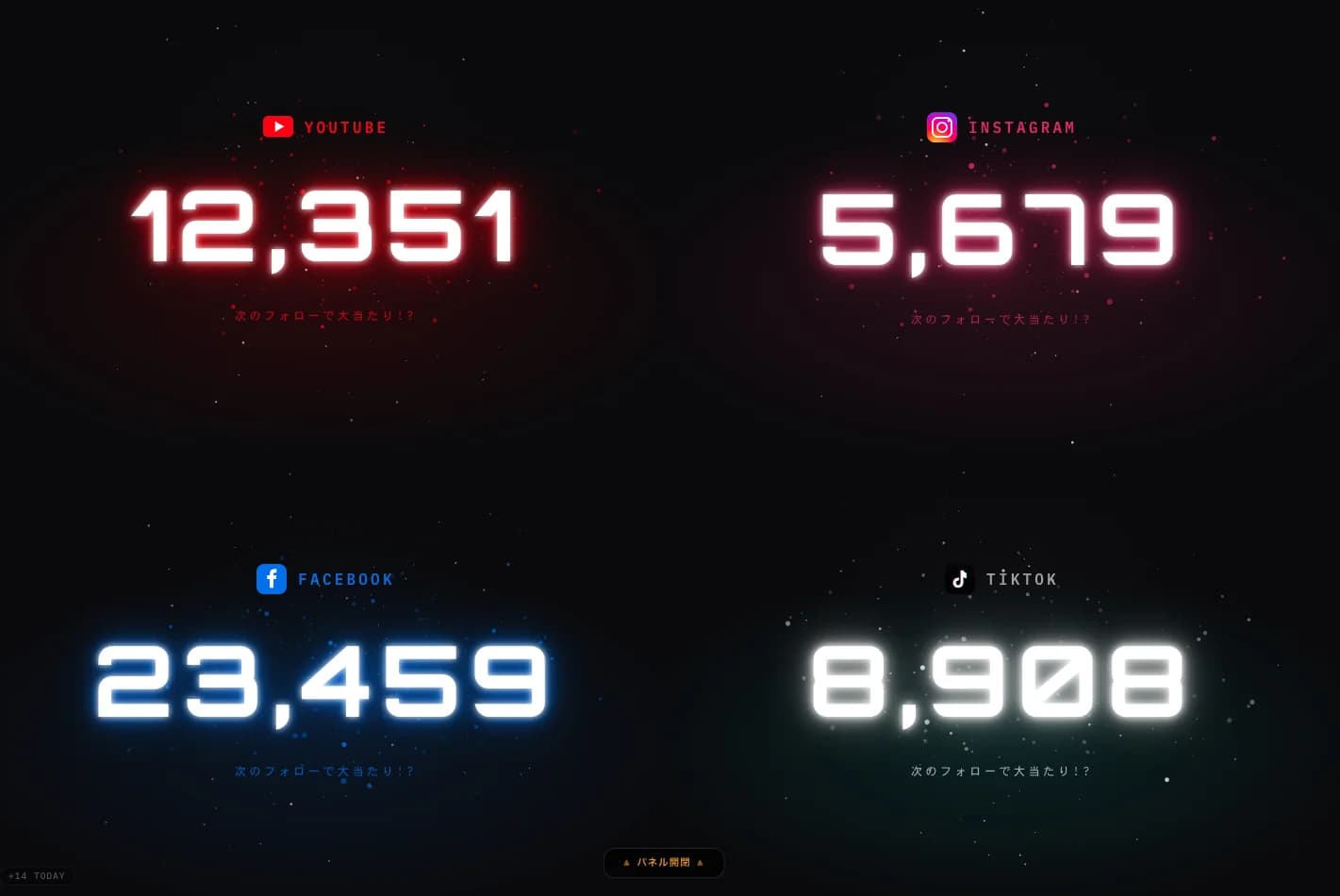
SocialCounter is a follower counter display for shops and events. Show follower and subscriber counts in a web browser on an internet-connected tablet or computer. You do not need to buy a dedicated counter device.
Changing numbers draw attention to your social accounts. QR codes give customers a route to follow them. Add coupons and milestone celebrations to give people a reason to take part.
The connection matters beyond the number on the screen. Keep sharing new products, menus and events on your social accounts to give customers a reason to remember your shop and visit again.
Problems
You can fill the shop, but if nothing keeps the connection alive after they leave, they rarely come back. SocialCounter nudges customers to follow your social accounts at the natural moment, while they are still with you.
Once they pay and walk out, the connection is gone.
Nothing in the shop nudges visitors to hit follow.
Promotions and new offerings never make it to them.
With no engine for repeat visits, the hunt never stops.
Flow
Show your counter and QR code where customers pause, such as the checkout or waiting area. After they follow, use your own social posts to share new products and upcoming events.
A customer stops by your shop
The in-store screen catches their eye
They follow you or join your messaging list
Your promos and updates now reach them
They remember you and come back again
Movie
A short spot showing what SocialCounter looks like running in a real shop
Jackpot
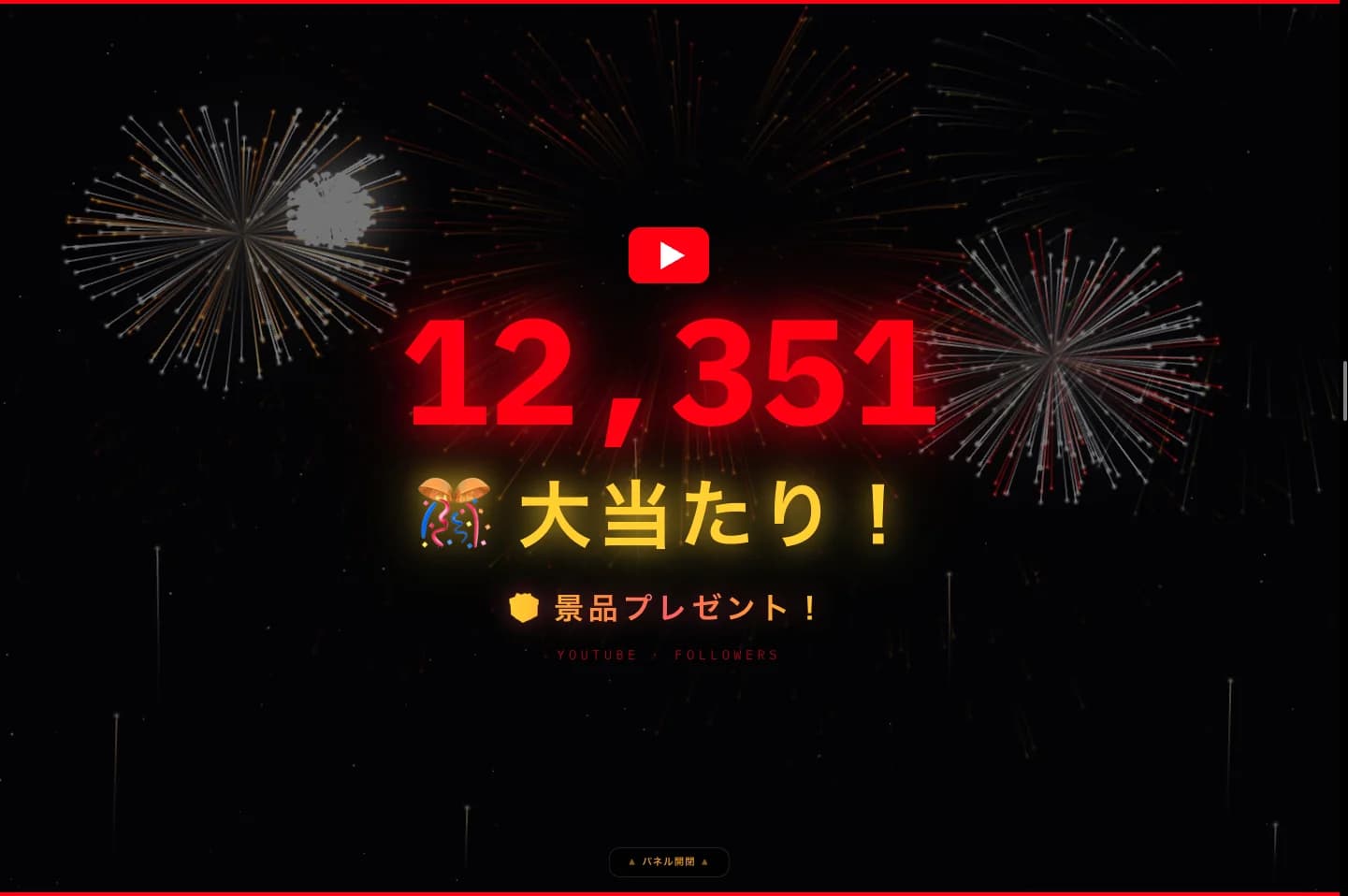
Simply asking people to follow rarely works. SocialCounter makes following part of the in-store experience, with live milestones and celebrations customers actually want to be part of.
Product Views
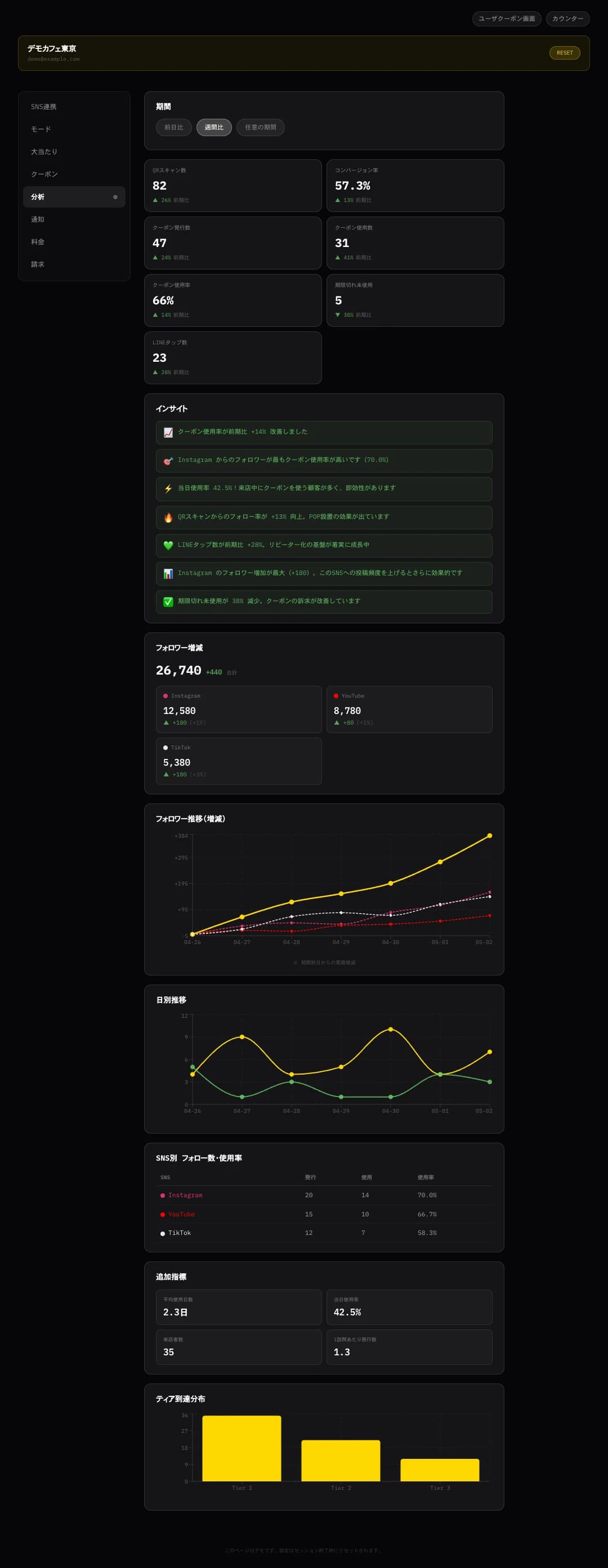
Customers see your social counters and QR code. Staff use the dashboard to review follower counts and coupon activity, then adjust placement and offers.
01 — Display
The counter screen your customers see, designed to make following feel like the natural next step.
 Scrollable Dashboard
02 — Dashboard
Review follower trends and coupon issues and redemptions. Growth includes detailed analytics.
Features
Use a screen you already own to show your social accounts, offer a reason to follow and celebrate milestones with the people in your shop.
Show Instagram, TikTok and Facebook Page followers alongside YouTube subscribers. Use an Instagram business or creator account, a TikTok business account, a Facebook Page and a YouTube channel.
Switch the look to match your space and your brand.
Eye-catching motion graphics and celebration animations.
Open the display full screen in a browser. You can also connect a computer or compatible tablet to a TV or monitor through HDMI.
Guide customers to your social accounts, then issue up to four coupons based on their self-reported completed follows. Included in both plans.
Let customers open your connected social accounts from a QR code instead of searching for your shop by name.
The display refreshes automatically. Social network reporting and connection conditions can delay changes to the count.
See the display and the dashboard before you commit to anything.
Display a link to your shop’s Google review page on the customer-facing page opened from your QR code, so customers can find where to share their experience.
Setup
Start with an internet-connected tablet or computer. The display runs in your browser, so there is no dedicated counter hardware to buy.
Choose a plan and add a card to start the 7-day free trial. Use the dashboard to connect the social accounts you manage.
Choose the networks, display style and colors, then open the counter on a tablet or computer. Use a compatible HDMI output for a TV or external monitor.
Set up a coupon or follower milestone. Place the screen where customers pause, and let your staff explain the social account and the offer.
Try the demo with your intended device, browser and internet connection before setting up. You need permission to manage the social accounts you connect.
Use Cases
Place your counter at the checkout, in a waiting area or at an event entrance. These are ideas for placement and use, ready to adapt to your own space.

Show the follow prompt at checkout or while guests wait. New dishes and one-night events land in their feed, and they come back for them.
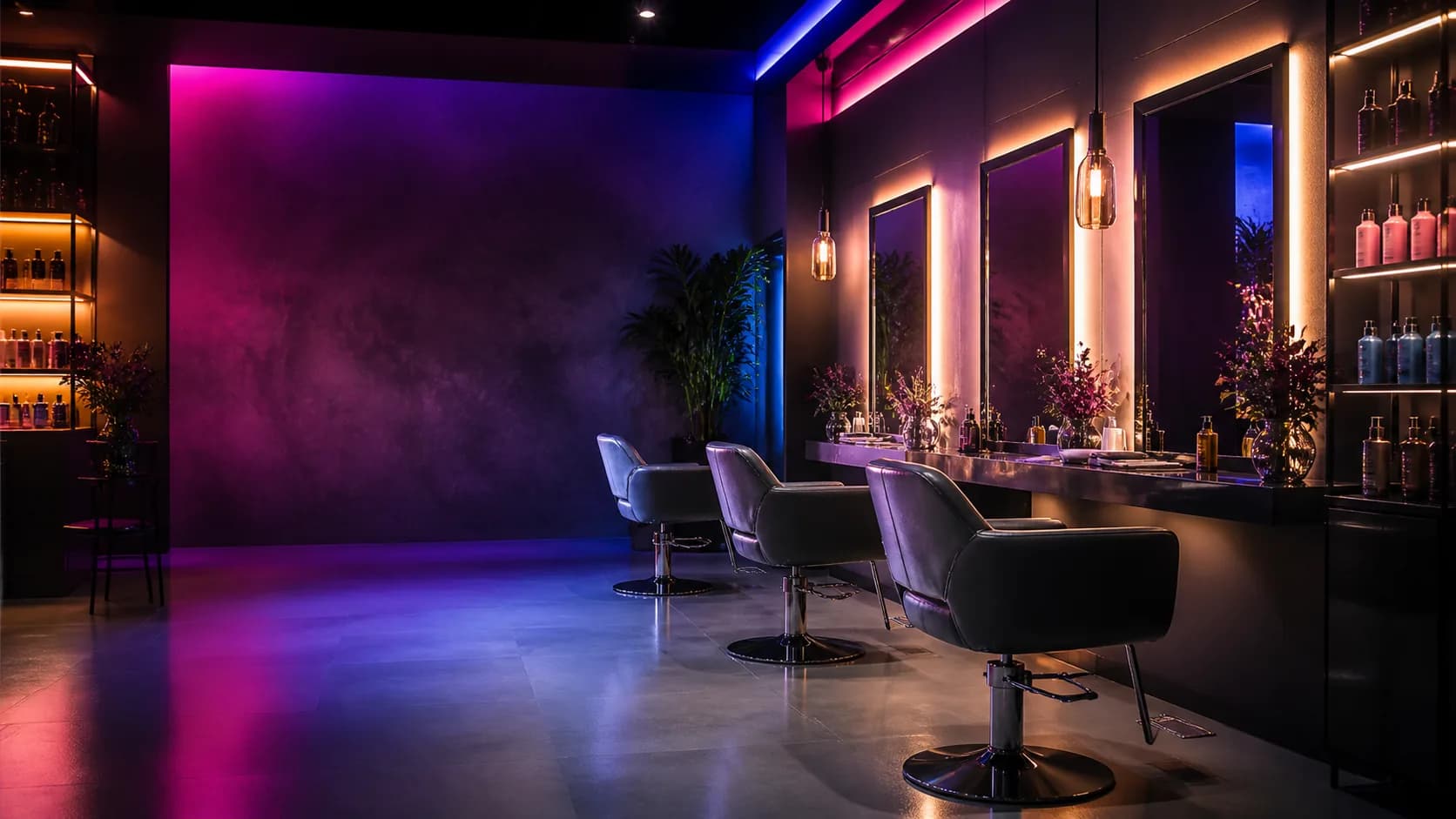
Invite clients to follow right after their appointment. Style shots and offers keep you top of mind until the next booking.
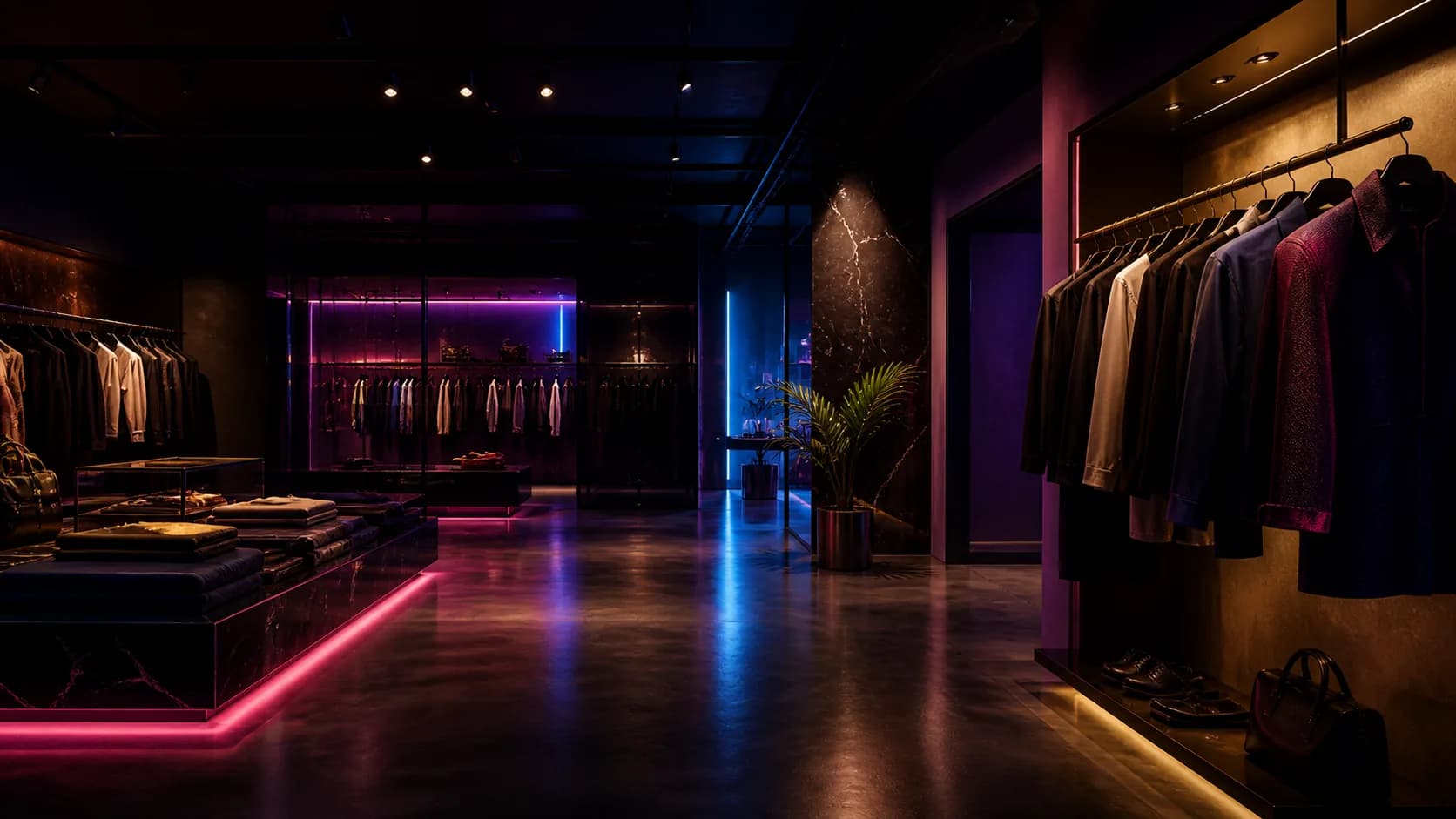
Point shoppers to your brand accounts while they browse. New arrivals and sales reach them long after they leave.
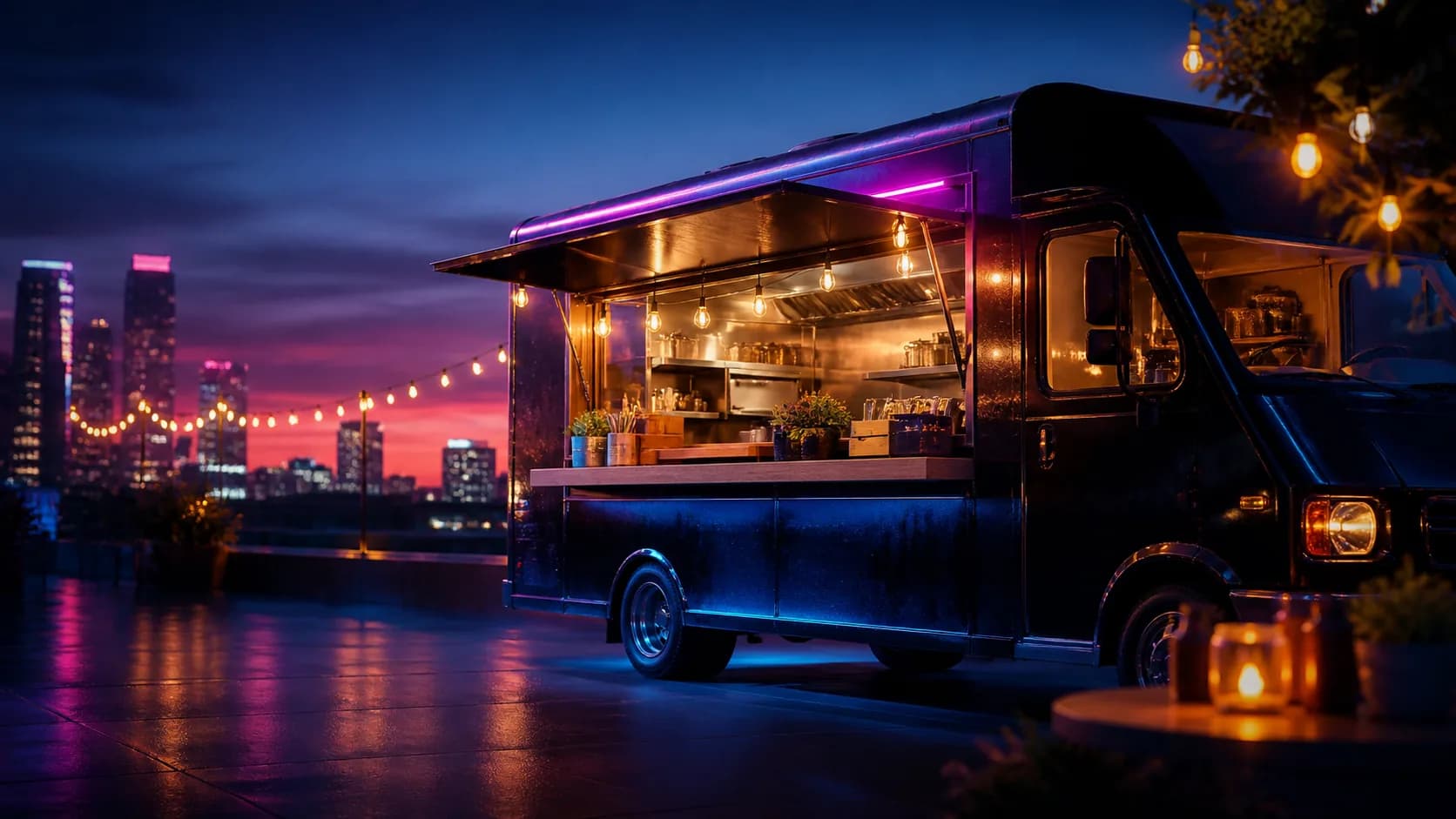
Ask for the follow at the window. Tomorrow's location and daily specials go straight to the people who already love your food.
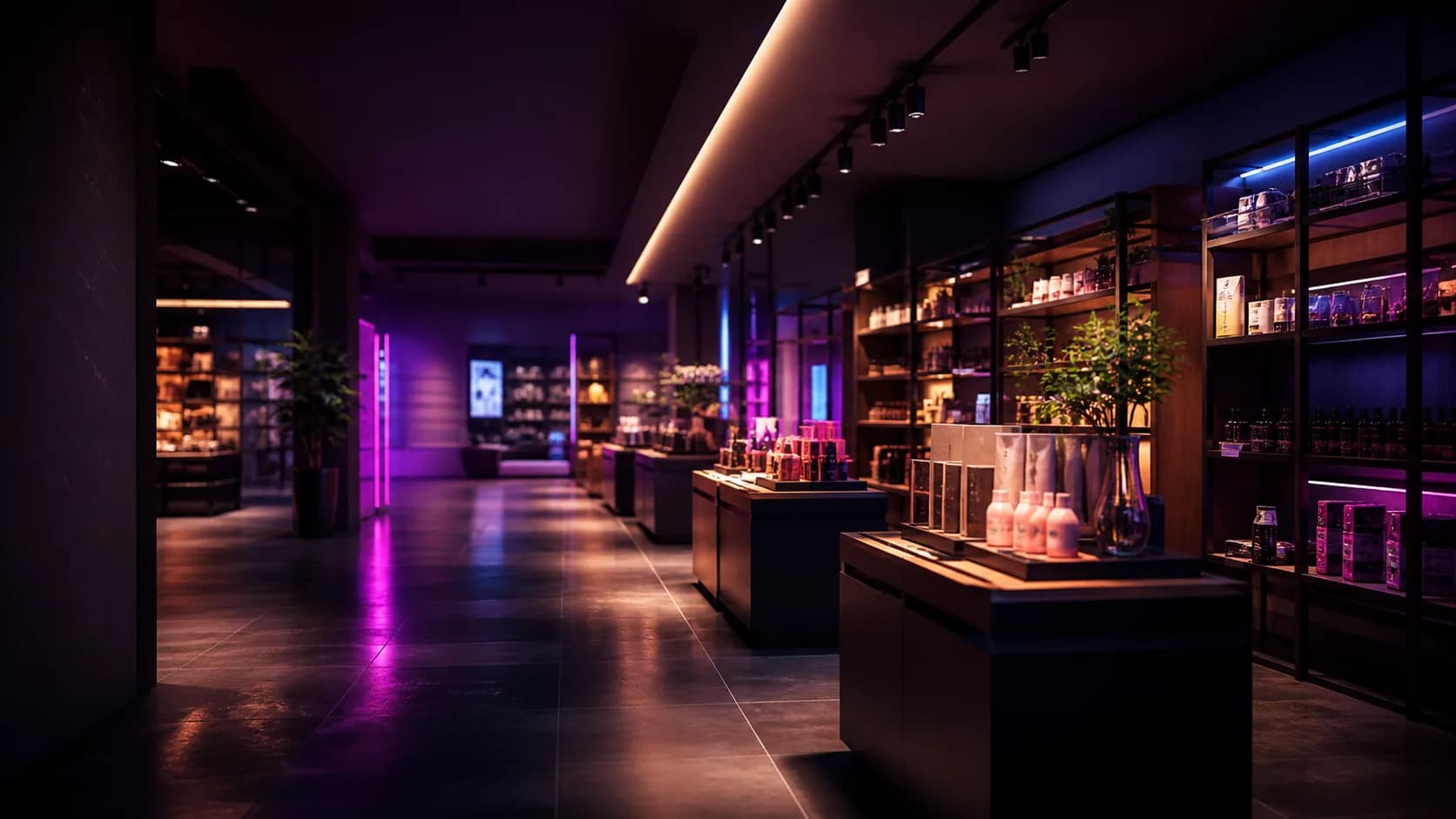
Put the prompt by the register or on a shelf screen. New stock and promos reach past customers instead of strangers.
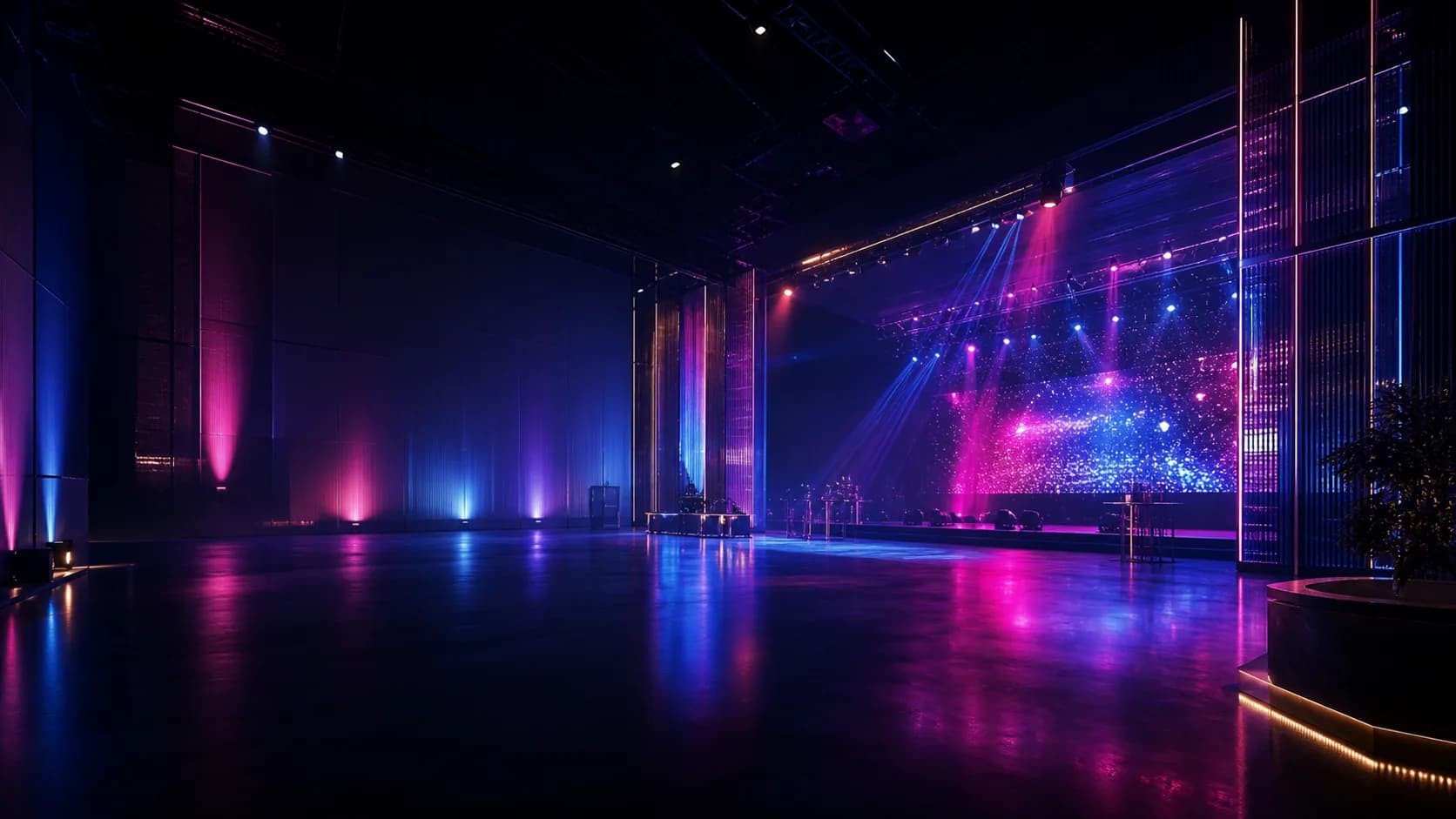
Capture the follow while guests are on site, then bring them back for the next event.
vs Hardware
Compare SocialCounter with Smiirl’s 5-digit Instagram Counter by equipment, display and setup. SocialCounter lets you use an existing screen for four networks, QR coupons and milestone celebrations.
Comparison refers to Smiirl’s 5-digit Instagram Counter. Official specifications checked September 8, 2026. Prices and features vary by model and region; check current details before buying. See Smiirl’s official product specifications
How it works
Customers need a reason to think about your shop on all the days they are not standing in it.
SocialCounter creates that connection during the visit and turns it into the next one.
Staying connected gives customers far more chances to remember you.
New products, promotions and events land in front of them at the right moment.
Keep the thread with past customers and give them a reason to come back.
Start with the customers
already walking in
No expensive equipment required. Use the tablet or monitor you already have and start building connections with the people in your shop.
Pricing
Two simple plans. Start on Standard, then move to Growth when you want data to improve on. Both come with a 7-day free trial.
Get your follow funnel running
About $0.40 a day
Includes a 7-day free trial
For shops building an in-store follow prompt. Includes four network counters, display themes, celebrations and QR coupons.
Account and card required. Cancel anytime during the trial.
Built for repeat visits
About $0.83 a day
Includes a 7-day free trial
Everything in Standard, plus unlimited history, unlimited jackpots and advanced analytics so you can see exactly what is driving growth and keep improving on it.
Account and card required. Cancel anytime during the trial.
Prices in USD. The 7-day free trial requires a credit card.
Comparison
The key differences at a glance. If you want unlimited history, unlimited jackpots and full analytics, Growth is the one.
Guides
Explore how counter displays work, where to place follow prompts and how to make digital signage useful for customers.
Basics
A social media counter display shows your live follower count on a screen in your shop. Here is what it does, why it makes people follow you, and what to look for before you buy one.
In-store
Most follower advice is about posting. This is about the ninety seconds a customer spends at your counter, and how to turn that into a follow that lasts.
Signage
A screen playing your promo reel is easy to ignore. Here is how to make in-store signage produce a measurable action instead of ambient decoration.
FAQ
The questions shop owners ask us most before signing up. If yours is not here, just get in touch.
Yes, you get 7 days free. A credit card is required to start. You can cancel any time during the trial; if you do not, the paid plan begins automatically.
Standard is $12 a month and Growth is $25 a month, with no setup fee. Both start with a 7-day free trial and you can cancel at any time during the trial.
Yes. You can try the counter display and management dashboard without creating an account. Choose the demo button on this page. Demo counts are sample data.
Start with an internet-connected tablet or computer and a web browser. There is no dedicated counter device or app to buy or install. To display on a TV or external monitor, you will also need a compatible video output and connection such as HDMI.
Smiirl’s Instagram Counter uses a dedicated physical split-flap display for one account at a time. SocialCounter runs in a browser on a tablet or computer and can show four networks together. Both need an internet connection to retrieve counts. Consider SocialCounter if you want to use an existing screen and combine counts with QR coupons and milestone celebrations.
Yes. The display runs full screen in a browser on a tablet or computer. To use an external TV or monitor, connect a computer or compatible tablet through HDMI. Check that your device supports video output and has an internet connection.
Both plans include counter displays, celebrations and QR coupons. They differ in follower history retention, the number of jackpot milestones you can configure and access to detailed analytics. Growth includes coupon usage analysis and insights. See the plan comparison on this page for the limits.
Yes. Start with the demo to see the display and the dashboard for yourself, then get in touch with any questions. The pricing page and this FAQ are worth a look too.
SocialCounter is a social media follower counter for shops and events. It displays Instagram, TikTok and Facebook Page followers alongside YouTube subscribers on a tablet or monitor. QR coupons and milestone celebrations give visiting customers a reason to follow. Plans start at $12 per month with a 7-day free trial.
Instagram, TikTok, YouTube and Facebook are supported. Connect an Instagram business or creator account, a TikTok business account, a YouTube channel or a Facebook Page. You can display one network or all four together.
The screen checks display data at regular intervals. Routine requests for new counts from the social networks are made no more often than about every 5 minutes. Another request is made when a customer reports a completed follow on the coupon page. Network reporting delays, request limits and connection issues can delay changes. Immediate updates after a follow are not guaranteed.
Yes. QR coupons are included in both Standard and Growth. Customers open a social account through the QR page and confirm that they followed it. This self-report can issue up to four staged coupons, one for each network. SocialCounter does not independently verify each customer’s follow on the social network.
LINE friend buttons are available to shops that subscribed through the Japanese version, on either plan. They are not included in English-version subscriptions. Both versions support the four social networks and QR coupons.
It is the jackpot feature. When you hit the follower target you set, the screen erupts with fireworks, aurora and other celebrations. Whoever is in the shop at that moment can be handed a prize on the spot, such as a free drink, a discount on their next visit or limited merch. You can hide the target number, which turns the whole thing into a lottery nobody can predict.
Yes. There are three intensity levels, so you can match the mood of your space.
Yes. Add your Google review URL in the dashboard and enable the link. Customers can then open your review page from the customer-facing page reached through your QR code. Leaving a review is optional; neither a review nor a particular rating is required to receive a coupon.
You can add a fanfare sound, and switch it on or off whenever you like.
Restaurants, salons and spas, apparel, retail and fitness studios. Any physical shop that wants to turn foot traffic into a social following.
Get started
Turn a one-time stop into an ongoing relationship. Start building real connections with the customers already walking through your door.
Account and card required. Cancel anytime during the 7-day trial.
We use cookies to improve the service and measure advertising performance. If you accept, we share measurement data with Google Analytics and Meta (Facebook and Instagram). You can use every feature without accepting. For details, see our Privacy Policy